The CutIQ platform

One platform.
Complete manufacturing visibility.

CutIQ connects production information across CAM software, ERP systems, machines, and shop floor operations — so every team works from the same real-time picture of production.

Manufacturing data
is everywhere.

Most fabrication shops already have the information they need. The challenge is that it lives in different places.

  • CAM systems
  • ERP platforms
  • Machine controllers
  • Production reports
  • Shop floor workstations

Each system sees part of the operation. CutIQ brings those pieces together.

From scattered systems
to one operating picture.

CAM · ERP · Machines · Scheduling · Production Teams
CutIQ
Real-time visibility

Beam-on % tells you if it ran.
It doesn't tell you how hard.

A machine can show 90% beam-on and still be dramatically underperforming. CutIQ tracks two separate dimensions of machine performance — utilization and productivity — because they answer different questions.

01
Utilization
Beam-on %
Was the machine running?
02
Productivity
Parts per hour
Was it productive when it ran?
03
Plan integrity
Runtime efficiency %
Did jobs run to plan?
04
Drift
Planned vs actual delta
Where is the time going?

After 30 days, CutIQ establishes a baseline for each machine — per shift, per material, per thickness. After 90 days, it starts flagging drift. A machine getting slower against its own baseline is a maintenance signal before it becomes a downtime event.

This is the foundation for ScheduleIQ (load balancing) and ServiceIQ (predictive maintenance) — coming soon.

Start simple.
Go deeper when you're ready.

01
Stage 1 · Day one
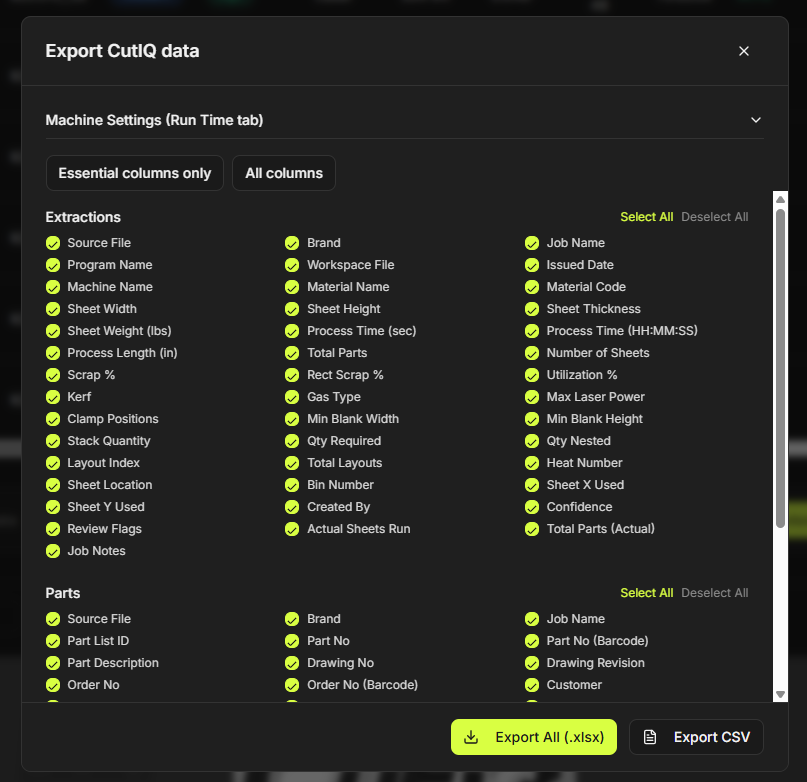
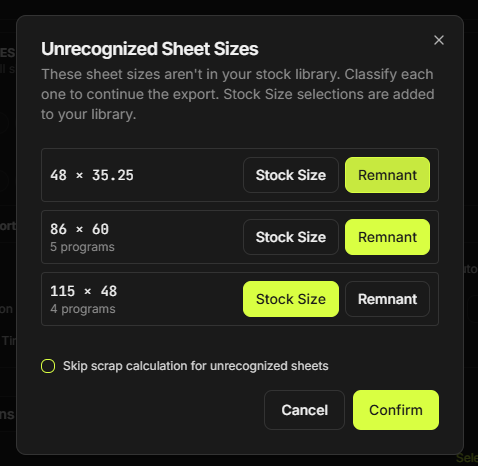
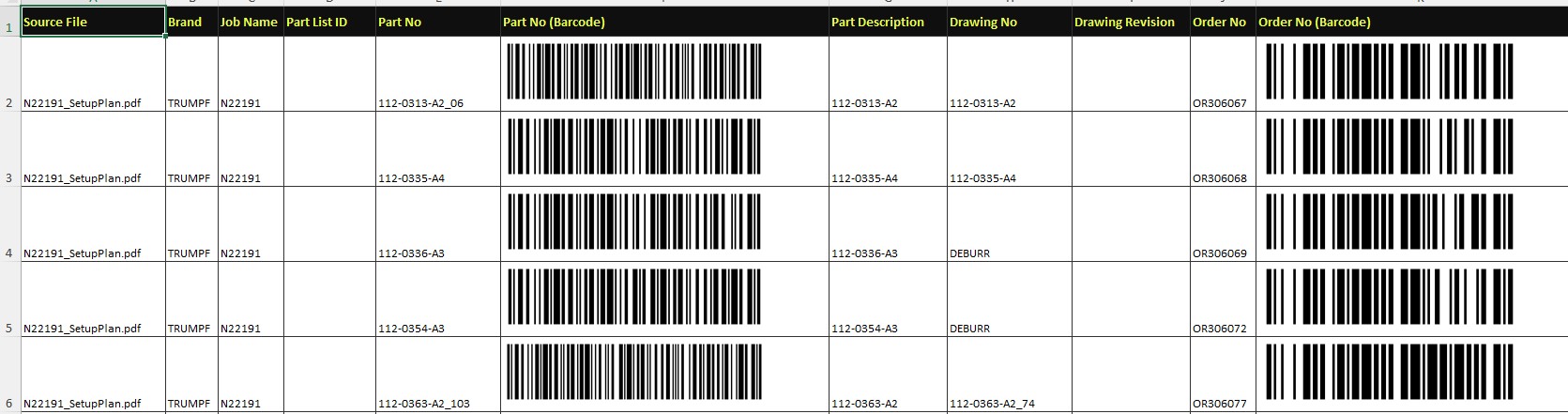
Excel / CSV output
Value on day one. No integration required. Clean, structured production data from every job, ready to use immediately.
02
Stage 2 · When you're ready
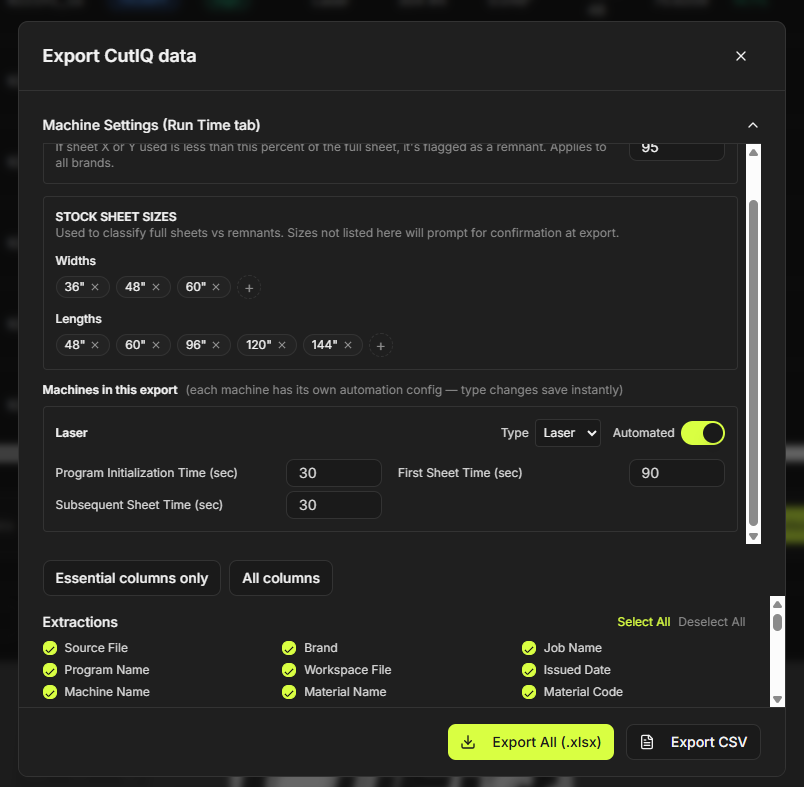
ERP field mapper
When you're ready to go deeper, map your CutIQ fields to your ERP fields once. Every extraction after that flows automatically.

Outcomes first.
Modules underneath.

01
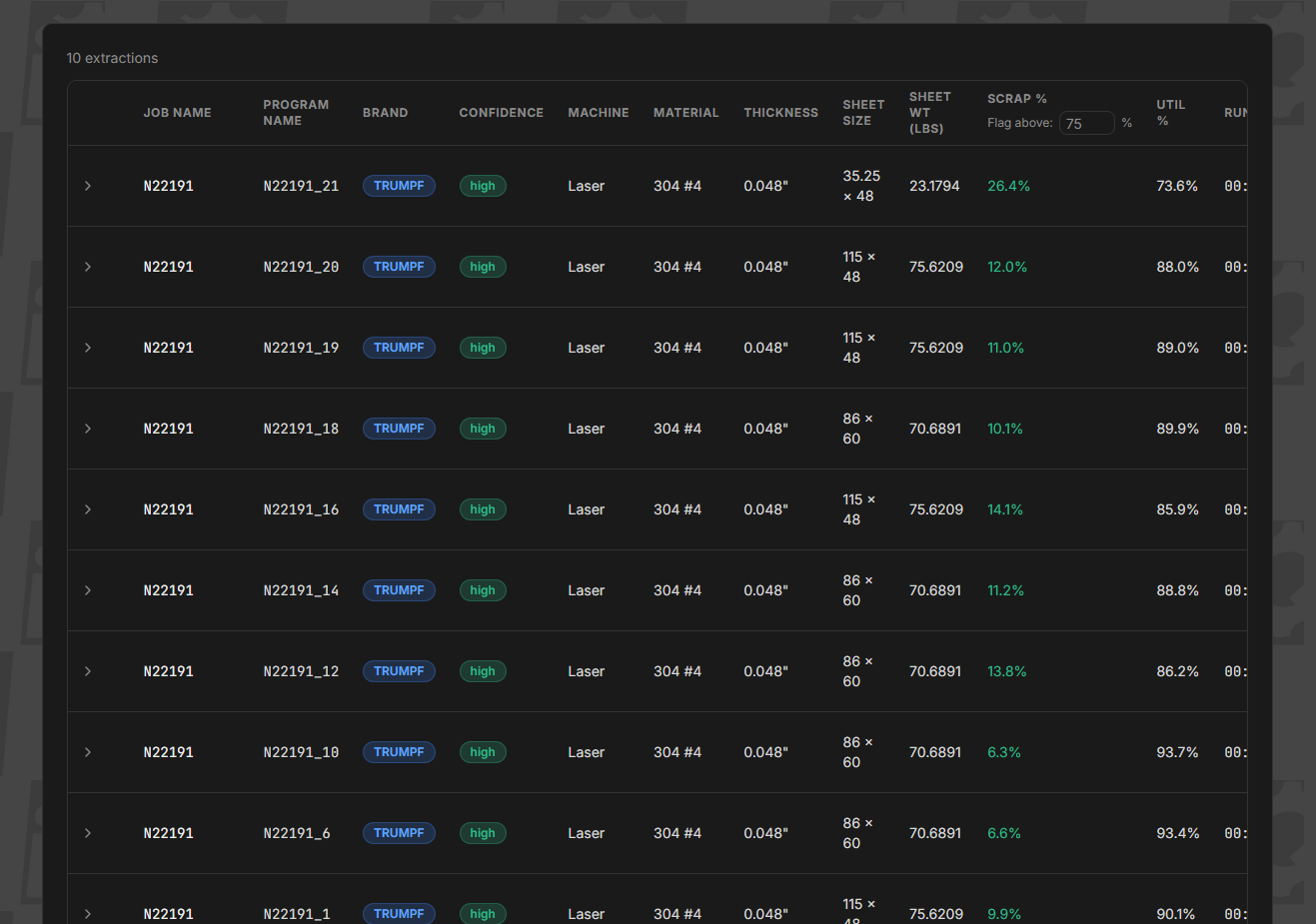
Extract production information automatically.
CutIQ
Pulls critical setup and production data from manufacturing files without manual entry.
02
Connect scheduling and production planning.
NestIQ
Transforms production information into actionable work queues and planning data.
03
Monitor what is actually happening.
ConfirmIQ
Tracks machine activity, runtime, completion status, utilization, and production performance.
04
Move information where it needs to go.
ConnectIQ
Automatically routes production data between the systems and teams that need it.

One data source.
Three ways to see your floor.

ConfirmIQ puts the same live machine data on every screen in the building — from the 65-inch TV above the shop floor that every operator walks past, to the desktop your supervisor sits at, to the phone in your pocket at 10pm. Same data. Different surface. Different purpose.

No machine limit. Each display page shows up to 10 machines at a glance for maximum readability — run 20, 50, 100+ machines and ConfirmIQ automatically paginates and auto-scrolls through every page so the whole floor stays in view, on rotation, all shift long.
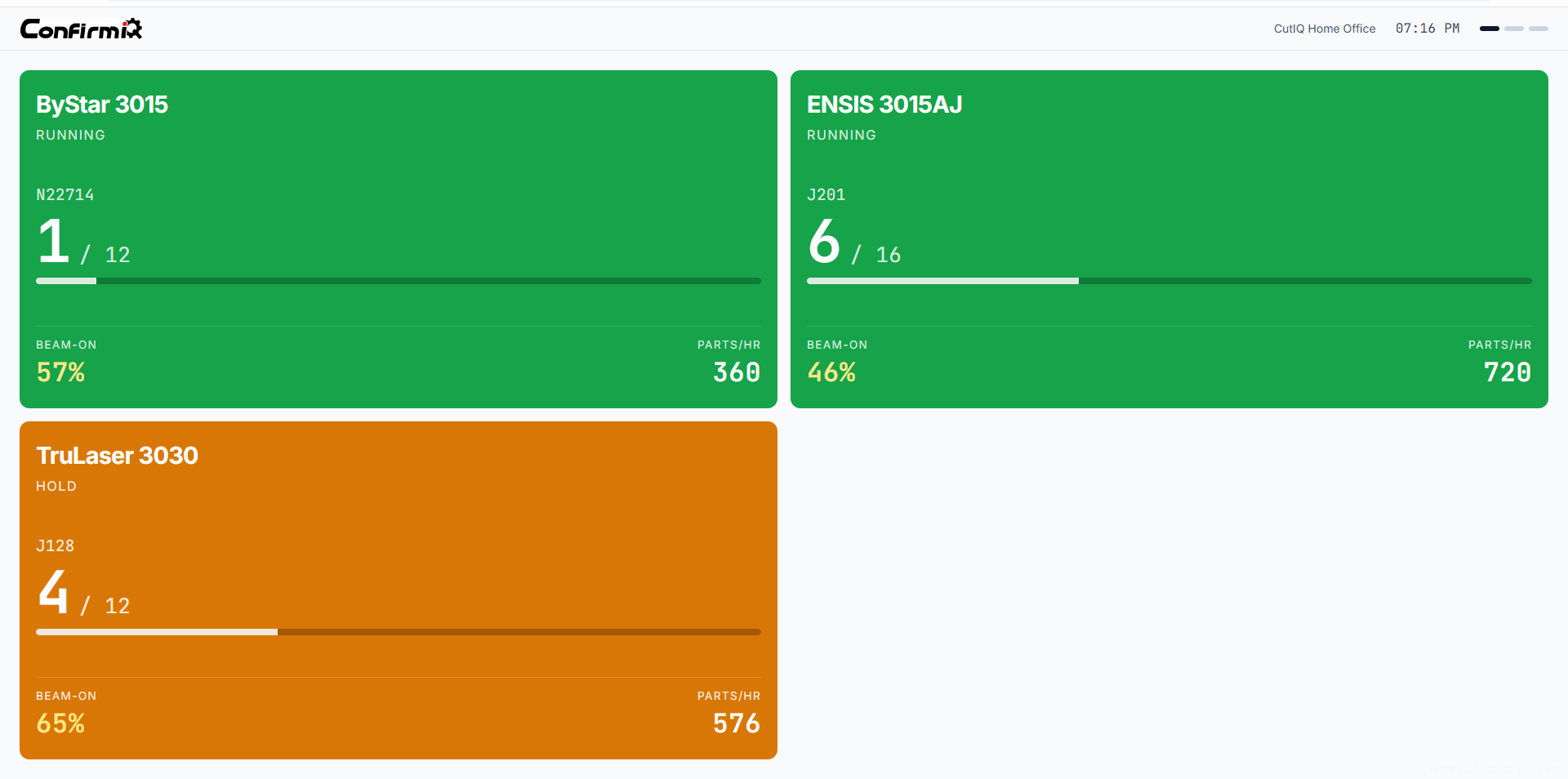
01
Signal theme · Shop floor TV
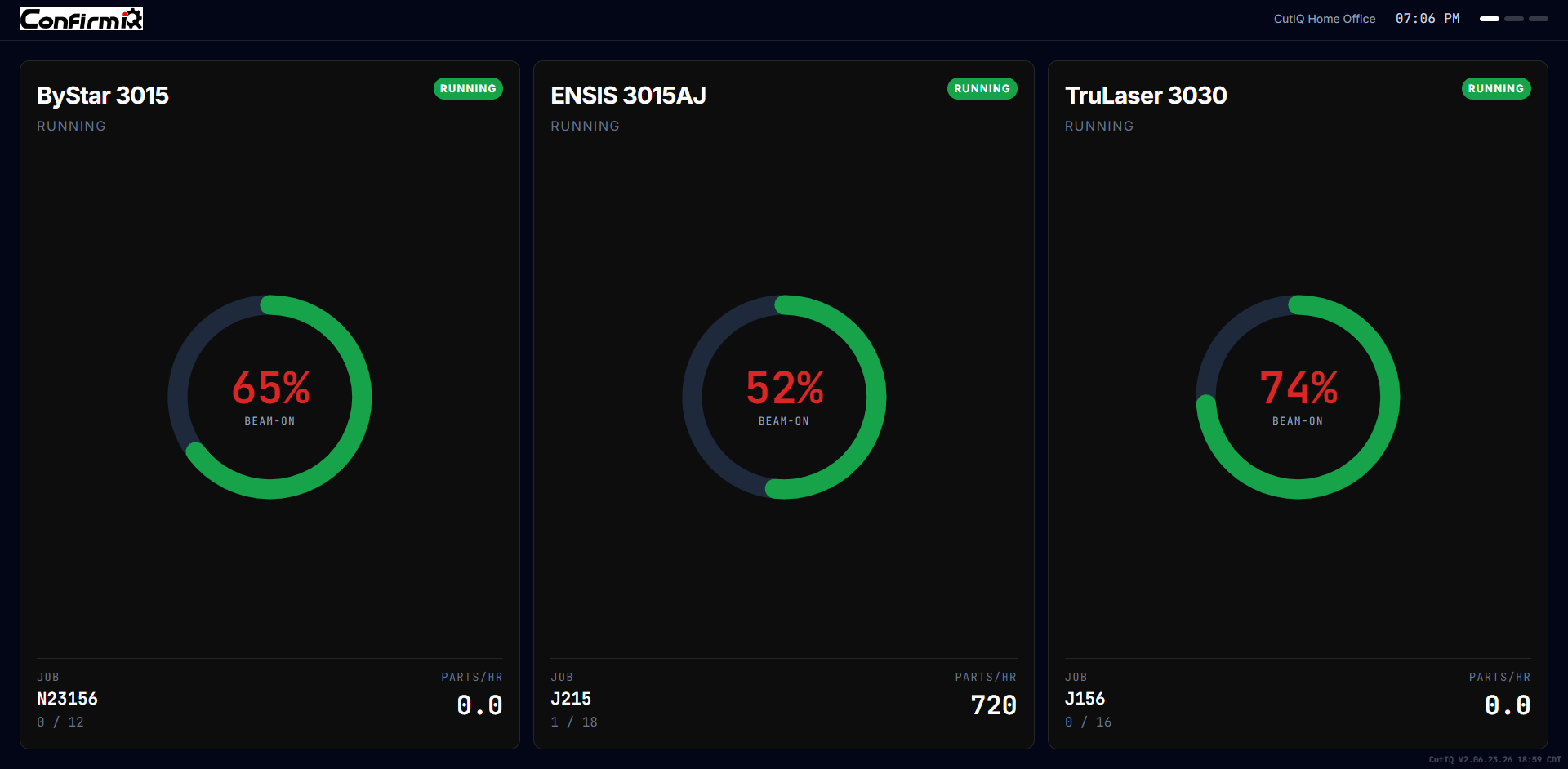
The whole floor. One glance. No login.
A 65-inch TV mounted above the shop floor shows every machine's current state in full color. Green means running. Red means alarm or idle. Amber means operator hold or first article. Readable from 30 feet. No one has to log in — it runs automatically and rotates through the fleet. Every operator, supervisor, and visitor sees the same truth.
Shop floor TV — dark theme, three machines, donut beam-on
Dark · donut variant
Shop floor TV — light theme, color-block cards
Light · color-block
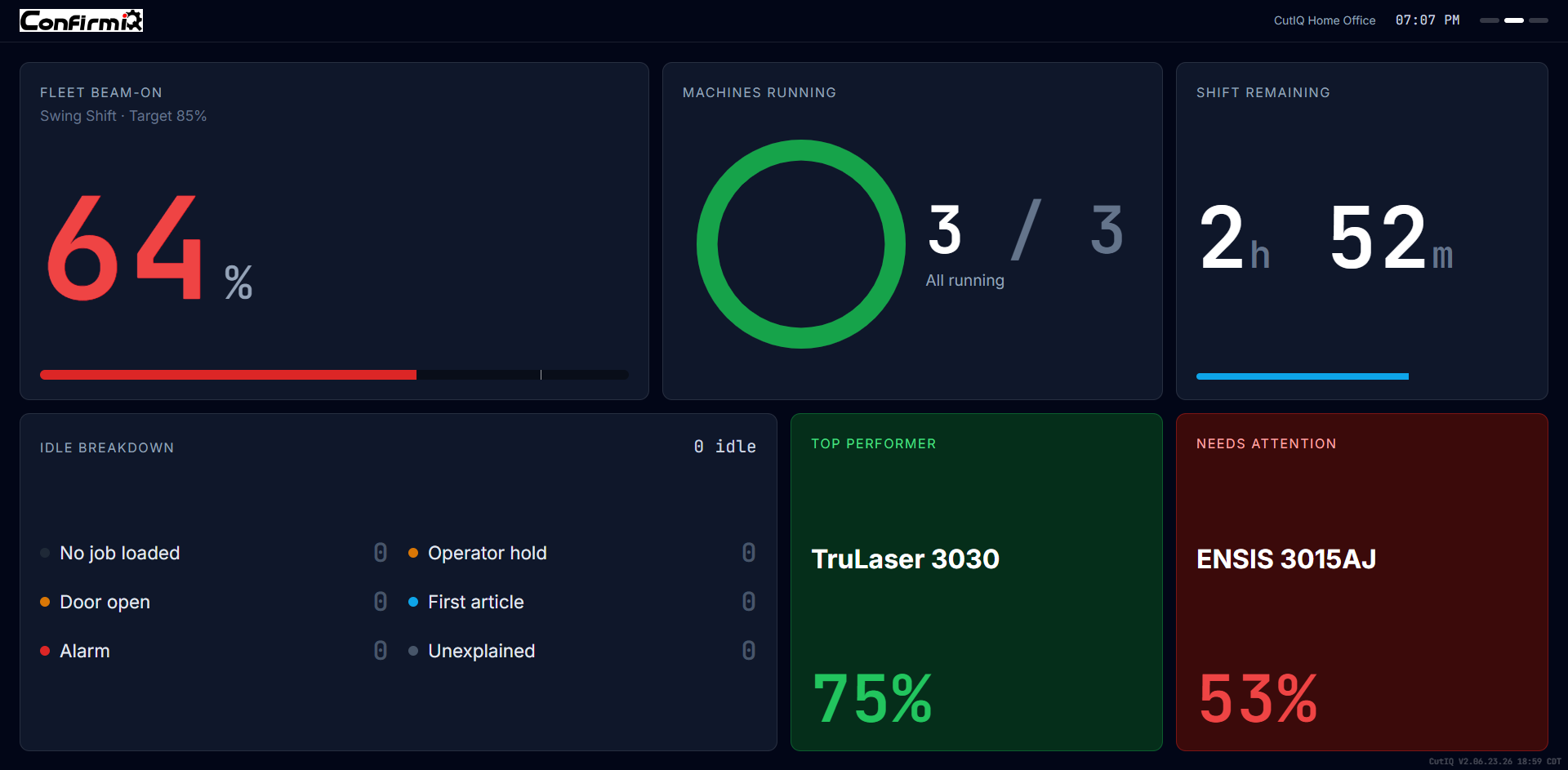
Shift summary screen — fleet beam-on, machines running, idle breakdown
Shift summary · dark
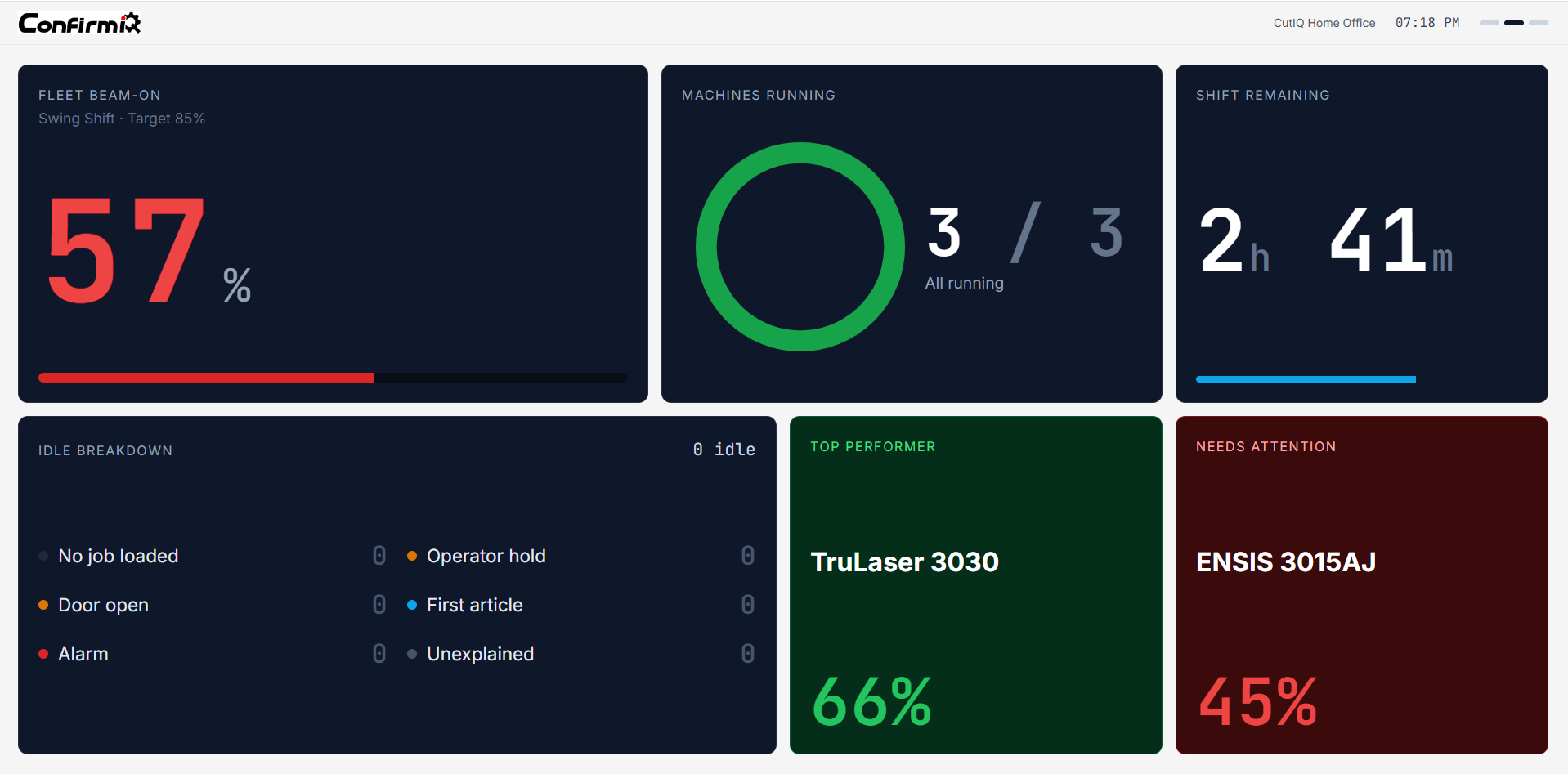
Shift summary screen — light theme
Shift summary · light
Key specs · Full color-block cards · status color fills entire card · large % readout · machine name · current job · fleet summary bar · auto-rotates · no login required
Signal theme. Idle time = red. Always. No neutral. No excuses.
02
Forge theme · Desktop
Dense telemetry for the people who need the details.
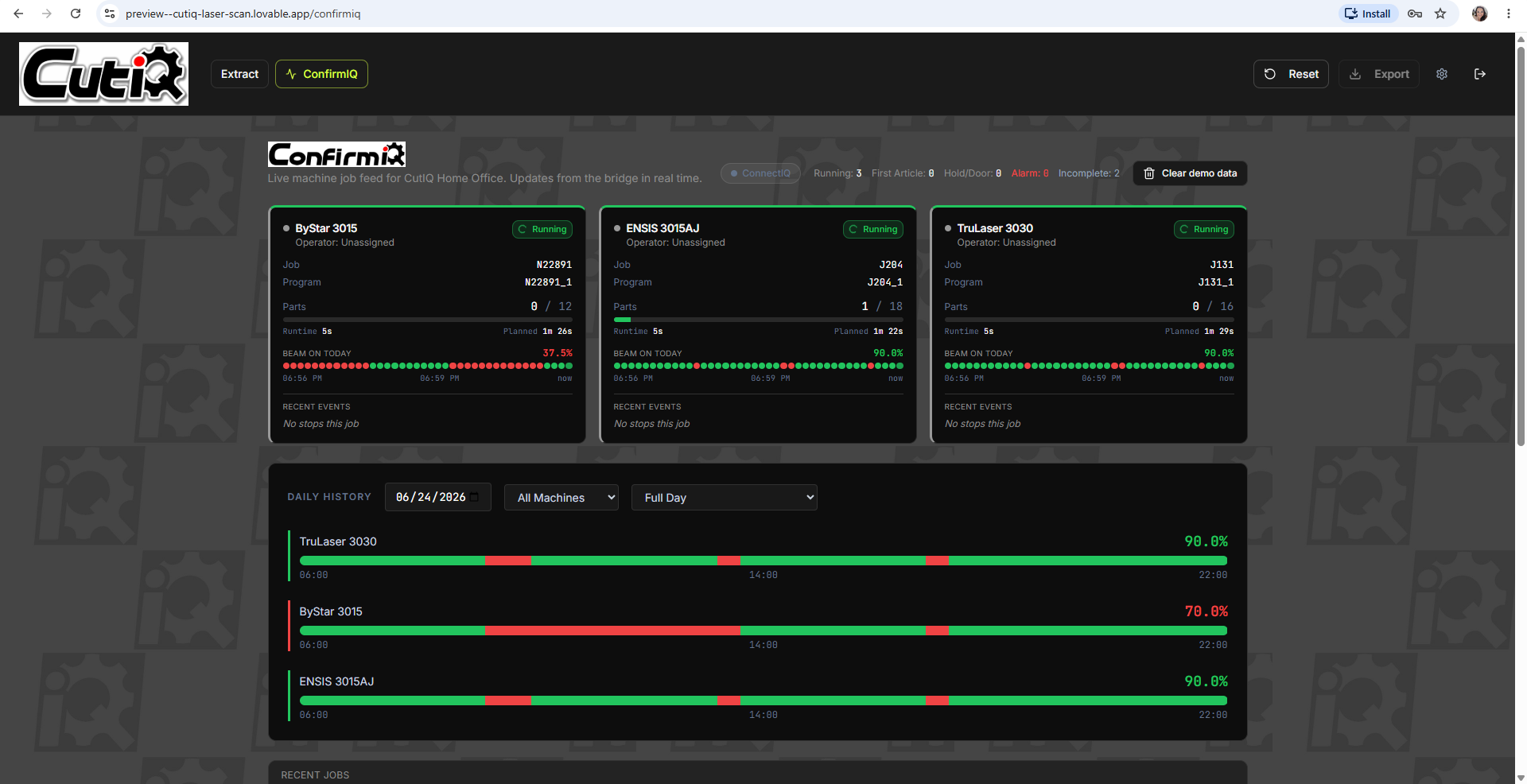
Built for supervisors, production managers, and anyone who sits at a screen and needs the full picture. Segmented beam bars show the shape of each shift — not just the current percentage, but how the machine got there. Click any machine card to expand a full modal: job history, runtime breakdown, alarm events, daily history going back 30 days. The analytics row below shows fleet-level metrics: beam-on %, parts per hour, runtime efficiency, planned vs actual delta.
ConfirmIQ overview — live job feed with daily history timeline
Live feed · daily history
Key specs · Dark background (Forge Black) · top border = status color · segmented beam bar per card · JetBrains Mono telemetry · analytics row · click to expand modal · 30-day daily history
03
Mobile · iOS and Android
Check the shift from anywhere.
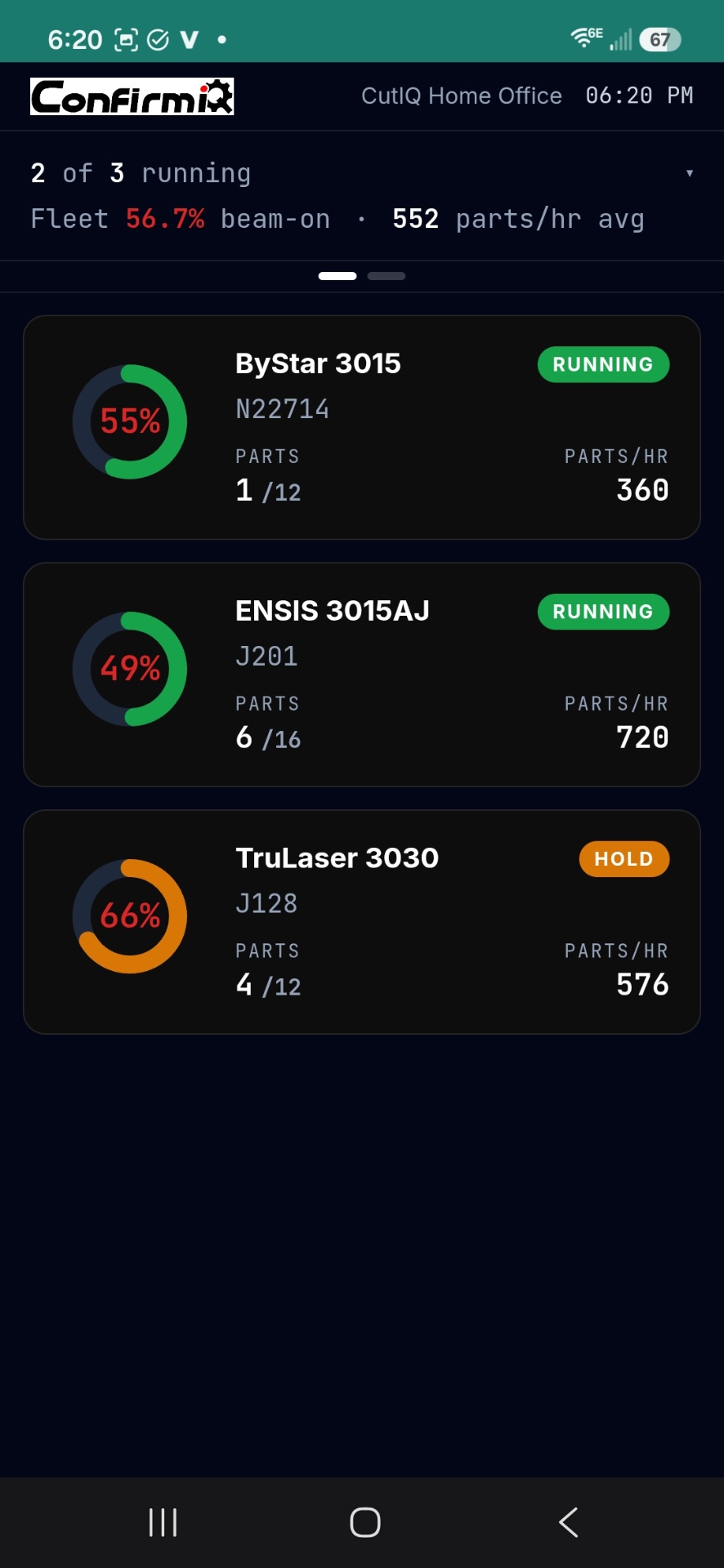
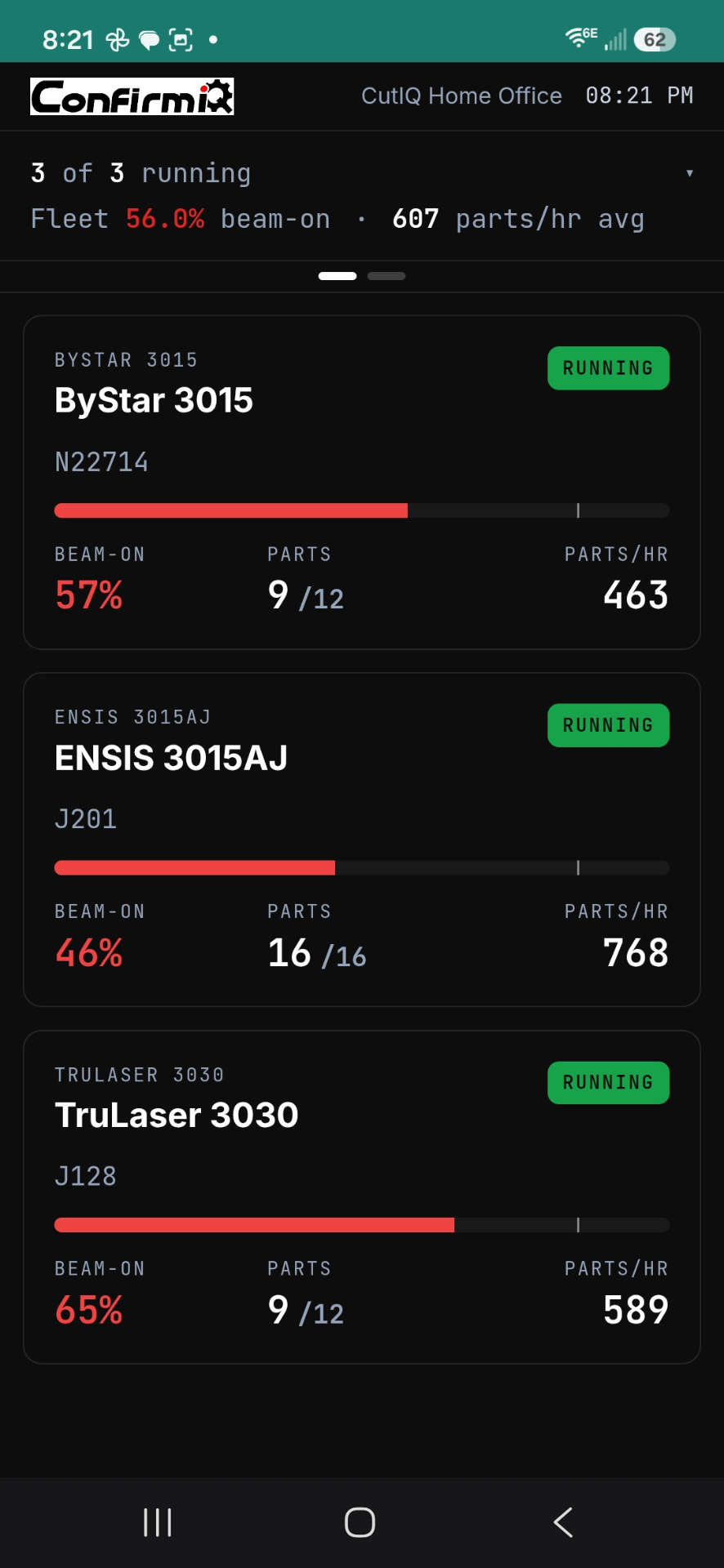
The plant manager doesn't always have a screen in front of them. The mobile view gives a fast, clean fleet summary — machine status, beam-on %, alarms, parts count — without the dense telemetry of the desktop. Tap any machine row to drill into detail. Same color language as the TV and desktop: green running, red alarm or idle, amber hold.
Mobile machine grid — donut + status per machine
Grid · donut
Mobile machine list — segmented bars
List · bars
Key specs · Compact machine rows · left-border status color · % readout per machine · fleet summary grid (beam-on %, alarms, parts, shift target) · tap to drill
ThemeSignal · TVForge · DesktopMobile
Hardware65" TV · wall mounted · shop floorDesktop / laptopPhone (iOS or Android)
Who sees itEveryone on the floor · no loginTechnical users · supervisorsPlant manager · owner · remote
Color systemFull card = green / red / amberTop border = status color · dark bgLeft border stripe · dark bg
Key metricMachine status + % large typeBeam bars + analytics row% per machine + fleet summary
Detail levelGlance at 30 feetDense telemetry · expand to modalFleet overview · tap to drill
InteractionNone — auto-rotatesClick card → full modalTap machine → detail view
Login requiredNoYesYes

This is locked. Do not deviate.

Running / beam on
Green · #22c55e
Alarm / real error
Red pulsing · #ef4444
Operator hold · Door open · First article
Amber · #f59e0b
Loading / between jobs
Teal · #1A7A6E
Complete
Slate · #94a3b8
Idle time
Red. Always. No neutral. No excuses.
Orange — retired. Do not bring it back. Ever.

Your shop in your pocket.
Open the app. Paste the link. Done.

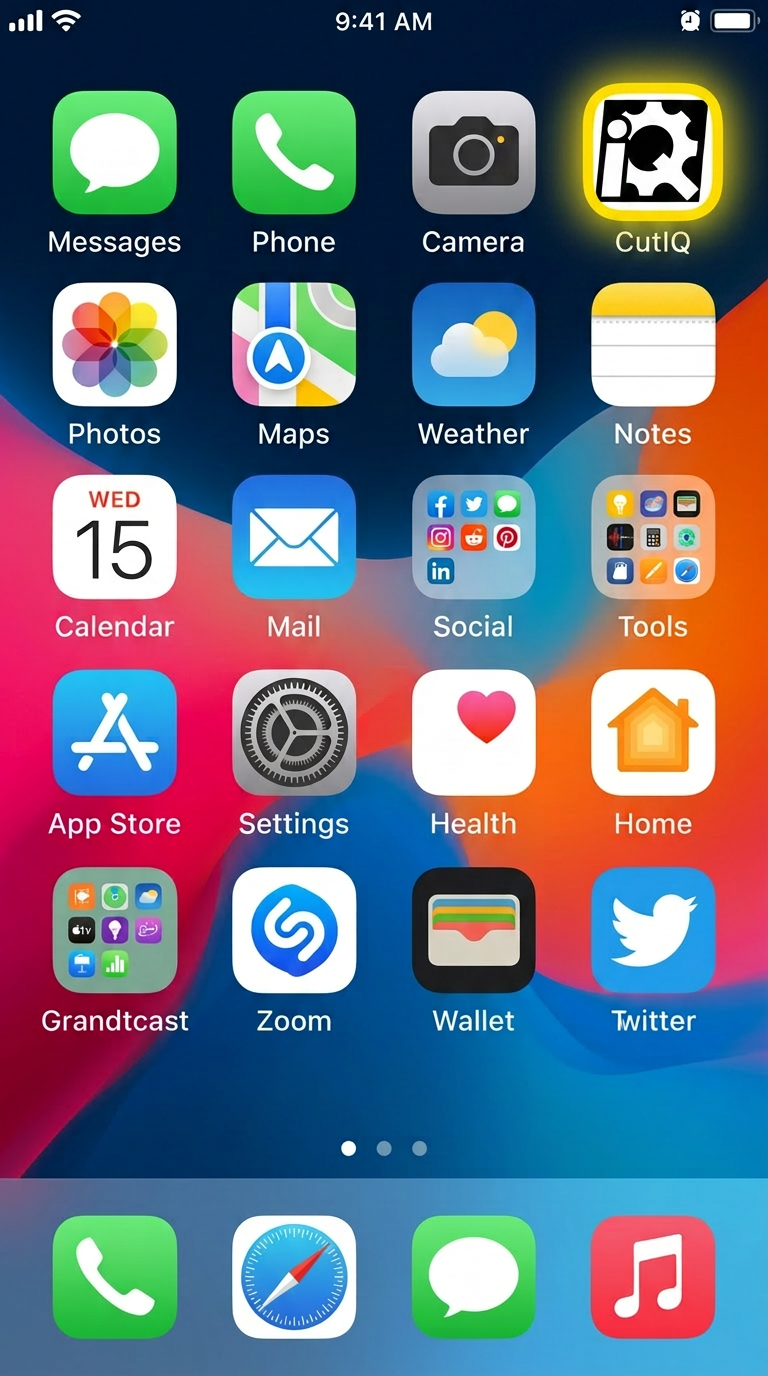
Native CutIQ app on iOS and Android. Operators and managers paste their shop's display URL once — same live machine data as the floor TV, in their pocket, anywhere they go.
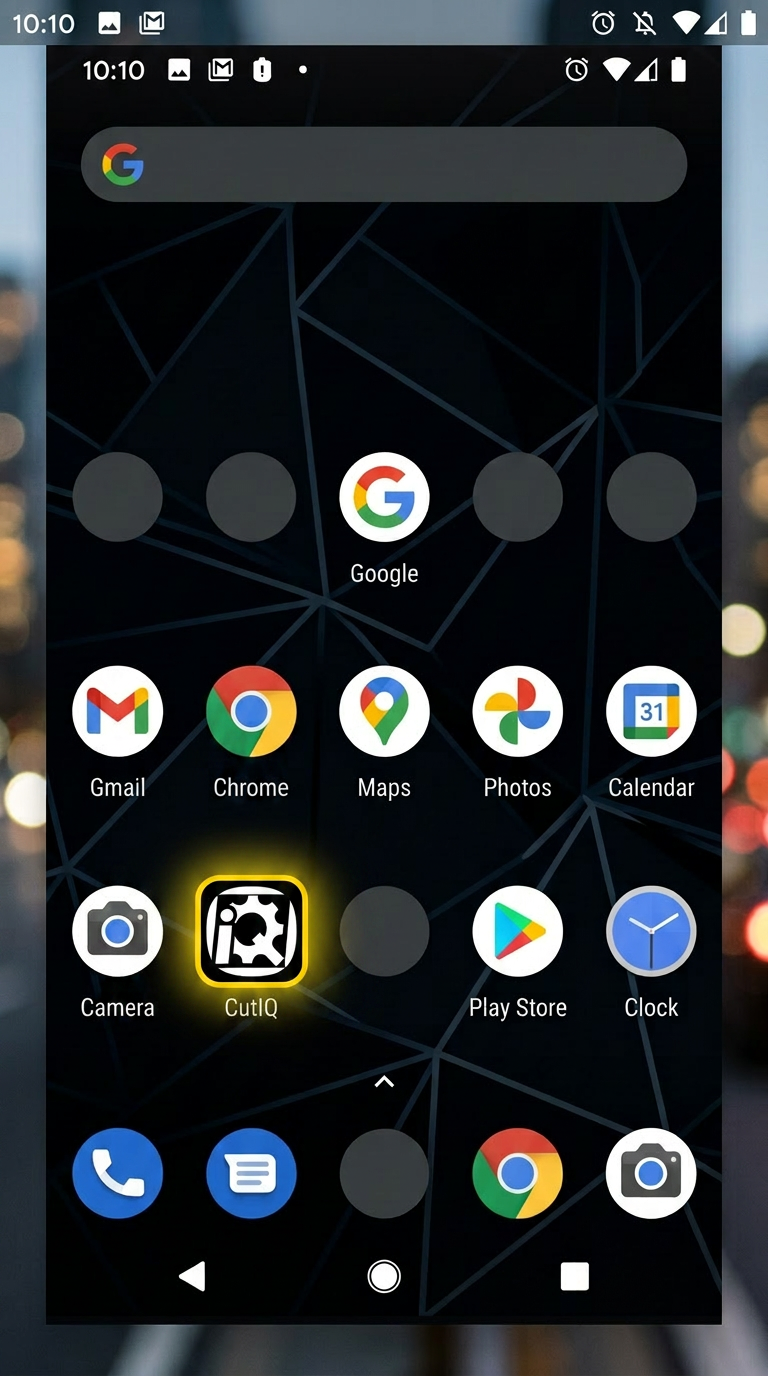
CutIQ app on an Android home screen
Native app · Android
CutIQ app on an iOS home screen
Native app · iOS

Set it up once.
Provision a TV in five minutes.

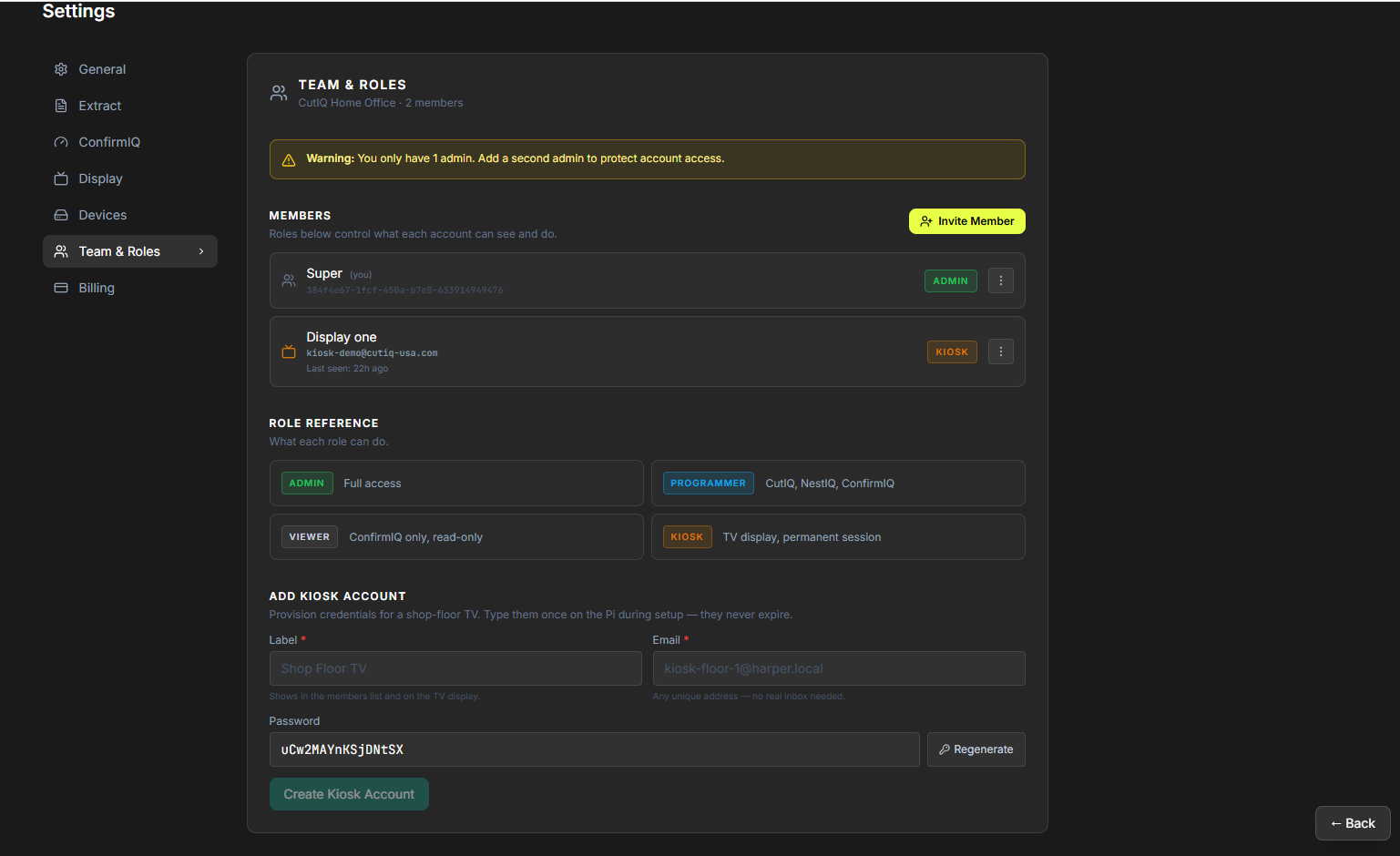
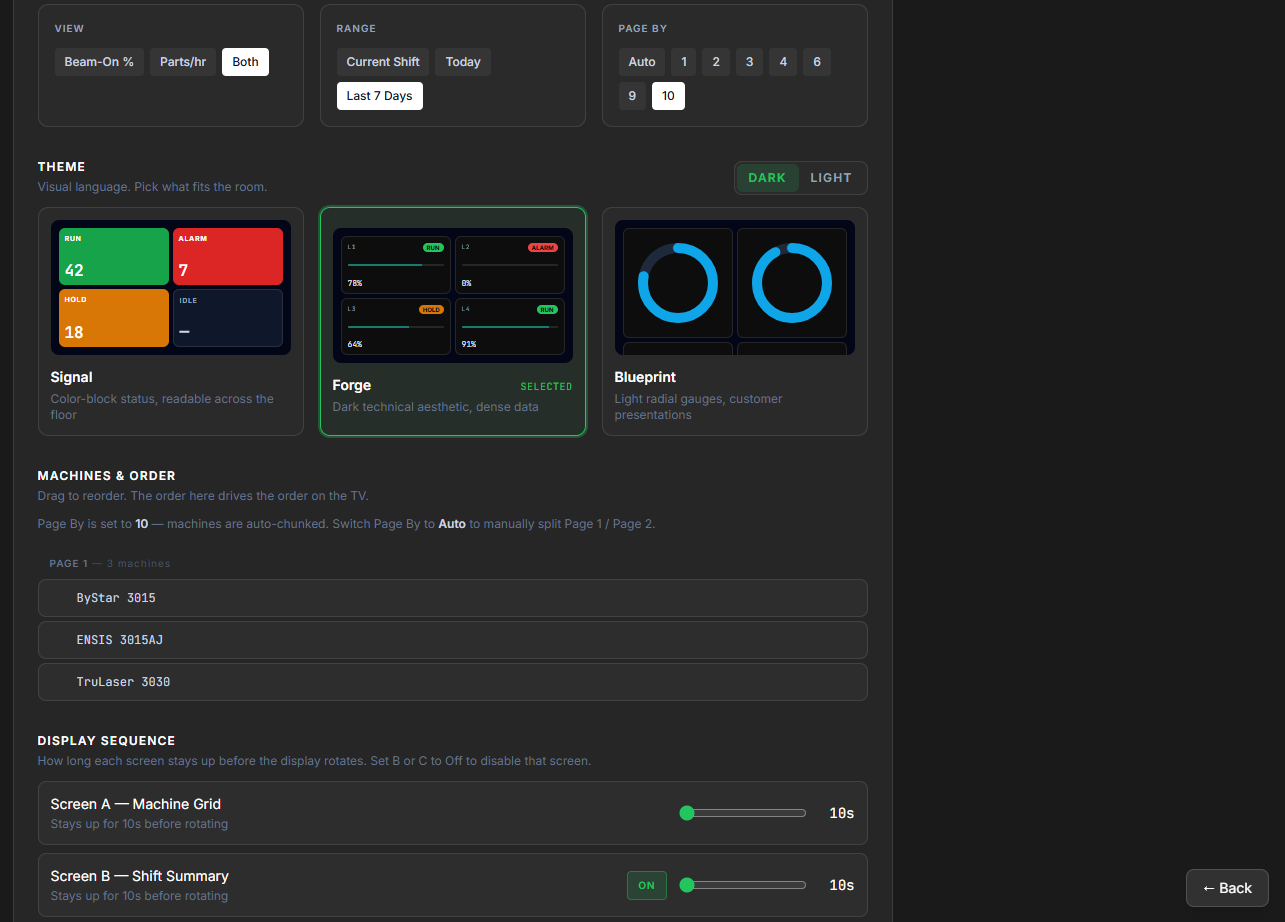
Three settings panels run the whole stack — ConfirmIQ (shifts & thresholds), Display (what shows on the TV and in what order), and Team & Roles (kiosk accounts that never expire, plus admin / programmer / viewer permissions).
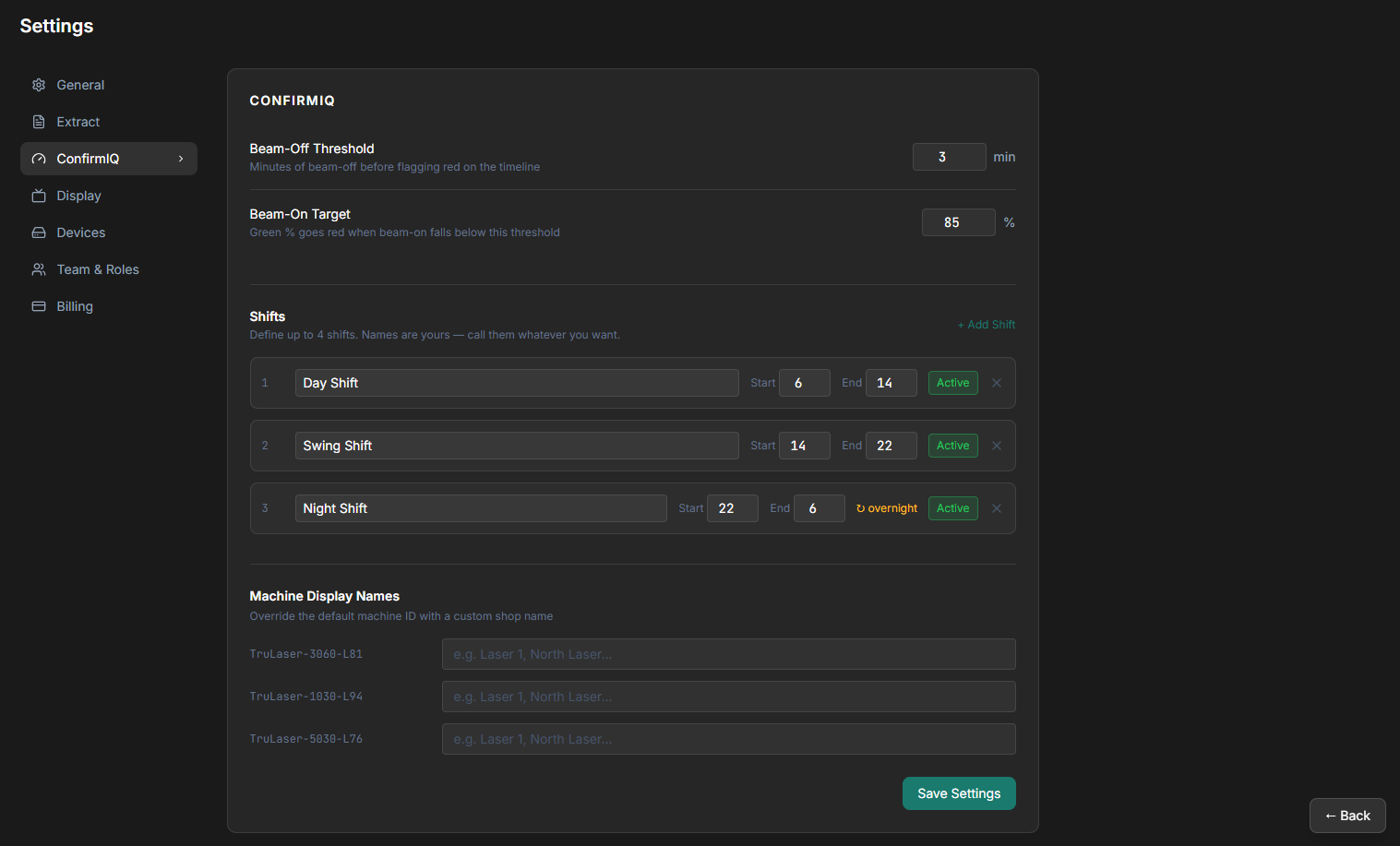
ConfirmIQ settings — shifts, beam-on target, beam-off threshold, machine display names
ConfirmIQ · shifts & targets
Display settings — theme picker, machines & order, display sequence
Display · theme & sequence
Team & Roles settings — admin, programmer, viewer, kiosk accounts
Team & Roles · kiosk accounts

Results,
not modules.

Visibility
Know what's programmed, running, complete, and delayed.
Automation
Remove repetitive manual data movement.
Accountability
Ensure every team works from the same information.
Performance
Improve planning, communication, and throughput.

Built around the systems
you already use.

CutIQ is designed to work alongside your existing operation.

  • No platform replacement.
  • No ERP migration.
  • No vendor lock-in.
  • No disruption to production.

Just better visibility across the tools already running your shop.

Built for the way
shops actually run.

Brand agnostic
Works across the systems manufacturers already use.
Fast implementation
Start improving visibility without major IT projects.
Production focused
Built around manufacturing workflows, not generic business processes.
Scalable
From a single facility to multi-site operations.
See the platform in action

Visibility
changes everything.

See how CutIQ connects production information across your operation.